Think on the page.
Handwrite with Apple Pencil or type your notes. Leave room for the question, the diagram, and the idea in the margin.
 Eureka
A little more room for your mind
Your iPad notebook for handwritten notes, personal journals, and ideas that connect.
Your first page starts here.
Download on the App StoreStart with one free notebook. In-app purchases available.
Handwrite. Type. Record. Connect.
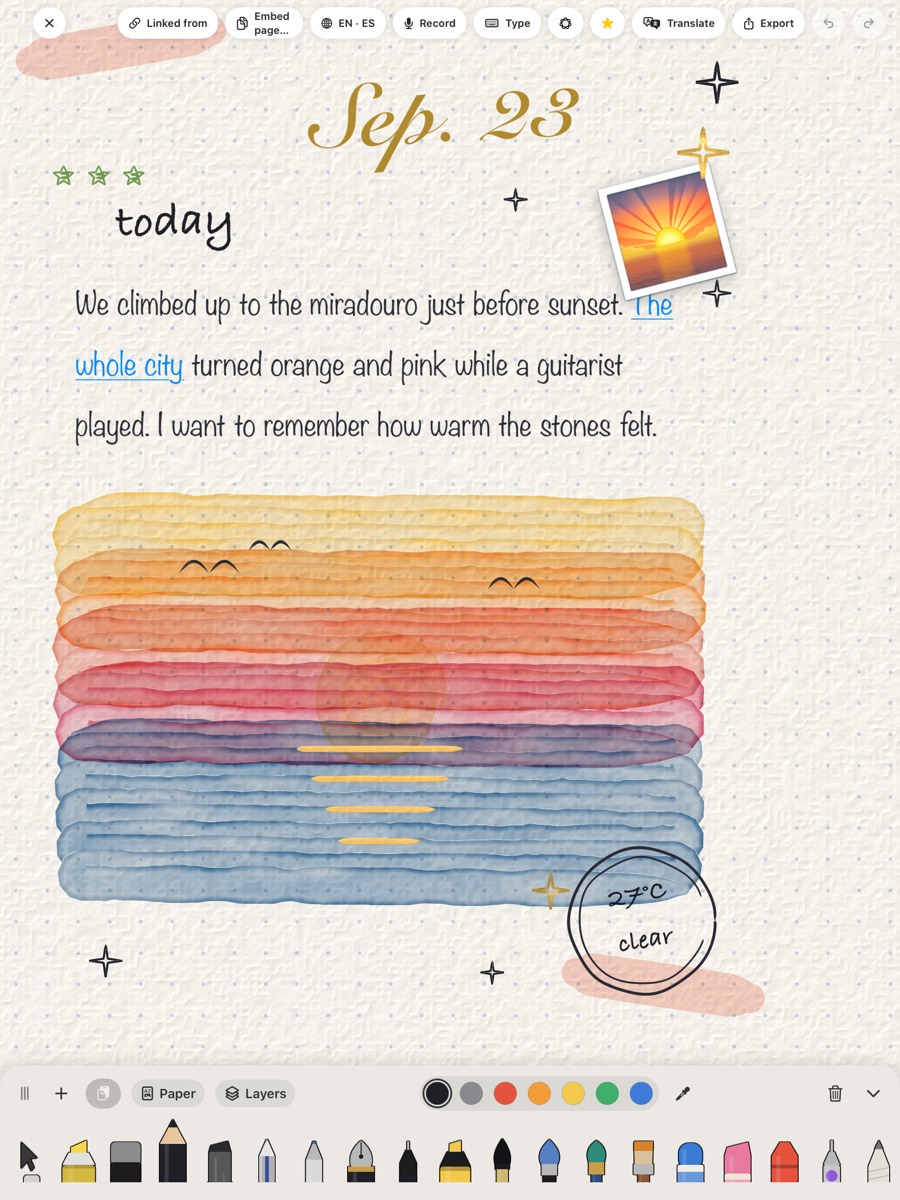
class notes.
big ideas.
little moments.
See a thought become a connection
Write something down. Connect it to an idea on another page. See those relationships come together in your graph.
In this recording, two pages explore GPS and photosynthesis. An insight on each page shares a tag. The insights are connected, then the graph shows the two pages and their relationships.
For the whole student day
From lecture notes to late-night thoughts.
There’s room for all of it.
Handwrite with Apple Pencil or type your notes. Leave room for the question, the diagram, and the idea in the margin.
Link one page to another. Find the connections again with backlinks and a graph of your notes.
Speak your journal entry, write a little, or paint how the day felt. Some pages are just for yourself.
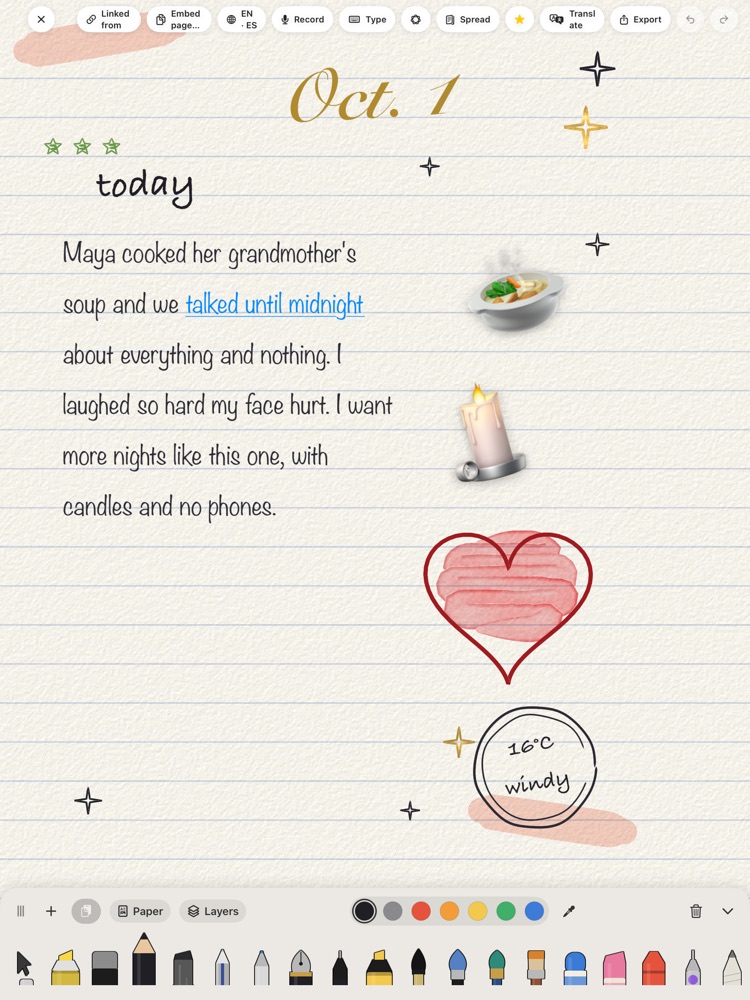
A page, with possibilities
A quick thought doesn’t have to become a typing session. Talk it onto the page, pick up your Pencil, or add a little color.
Eureka brings your ways of thinking together—and leaves the page up to you.
Start your first pageSomewhere for every idea
A shelf of your own.
Pages that find each other.
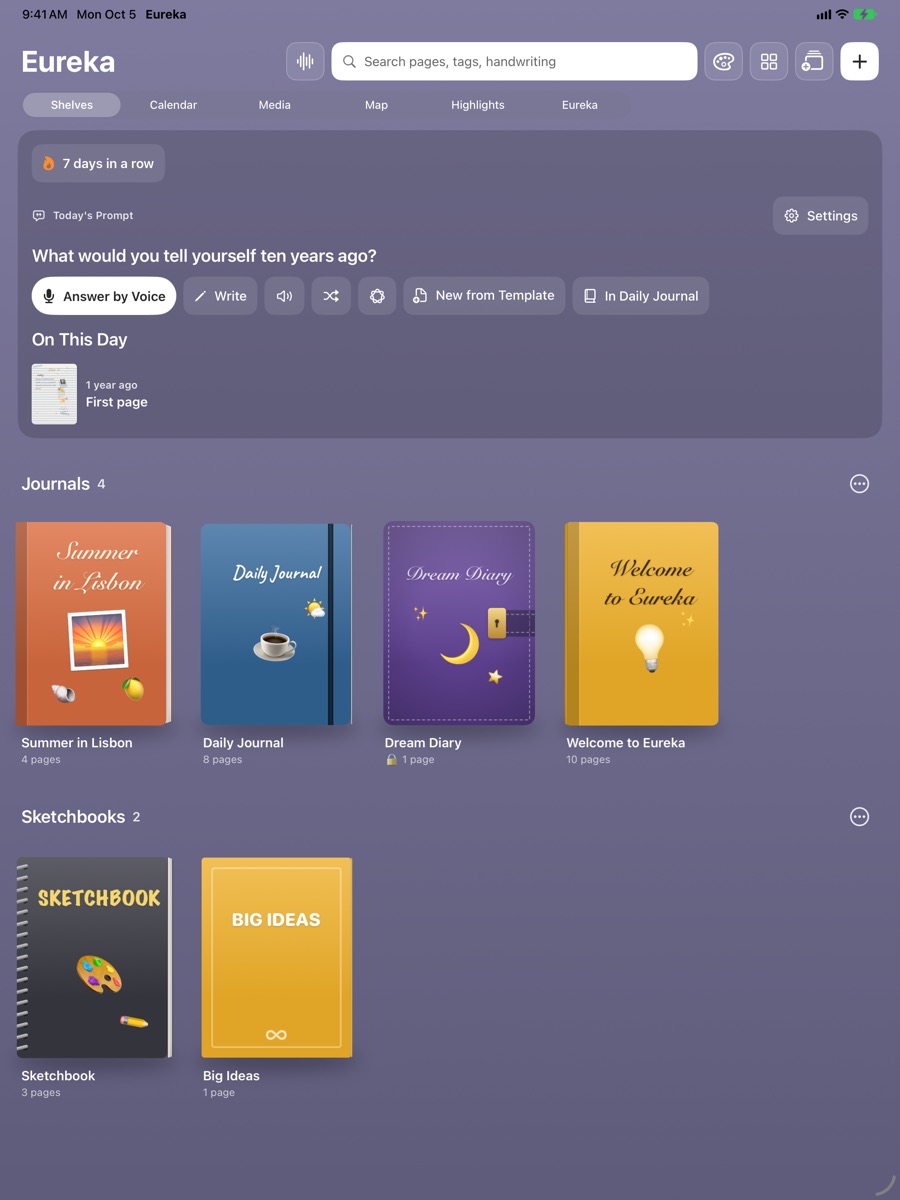
Give your notebooks their own covers and a place on your shelf.
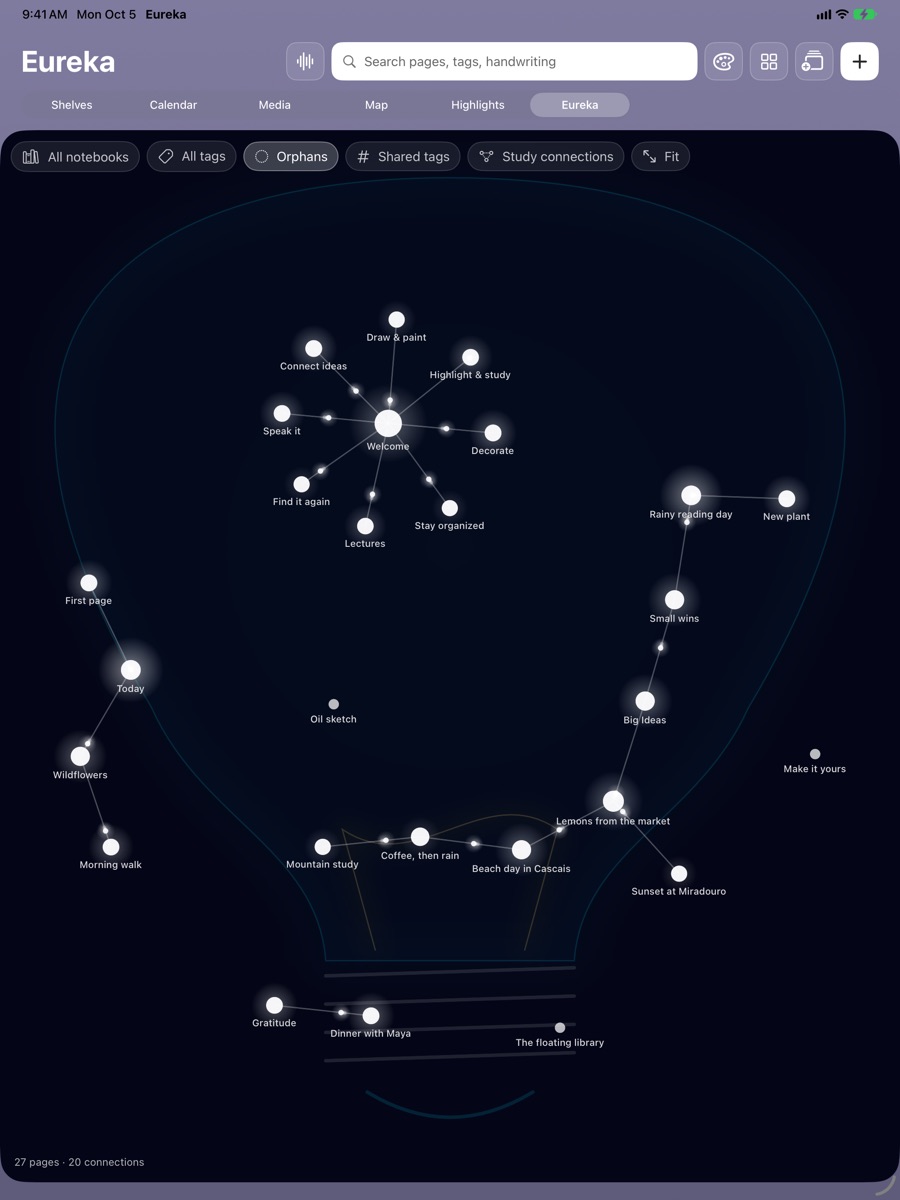
Explore how the things you write connect to one another.
Pages for the way you think
A few real pages from Eureka. Open an image for a closer look.
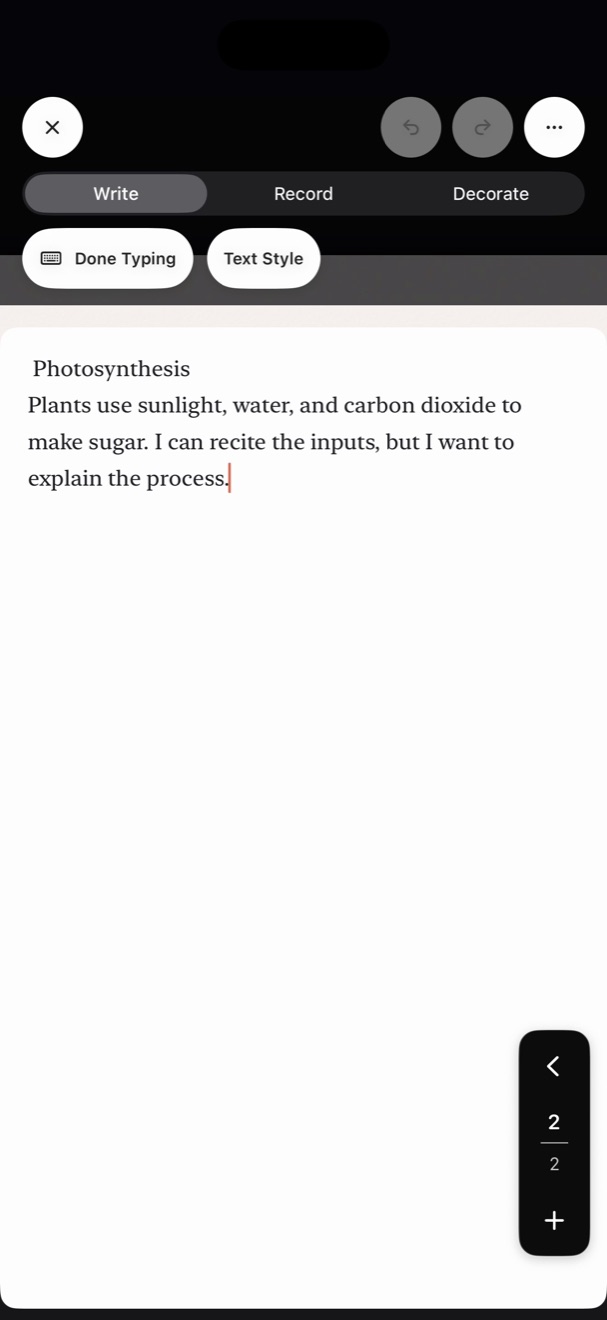
Give your class notes room for what you understand—and what you’re still working out.
Words, drawings, photos, and a page that feels like you.
A free notebook, included with the app
Monthly habit pages, progress charts, and a growing tree for each day. A little encouragement to keep showing up.
See the full habit pageTry a small preview below. It resets when you leave.
Today’s bloom
0 of 5 habits · 0%
Made by an independent developer
I’m Joseph, the developer behind Cup of Coffee Software. I’m building Eureka as a home for learning, journaling, and the ideas that connect them.
Tell me what you’d love to create, ask a question, or share a notebook idea with the community.
Meet us at r/EurekaNotesA few things you might wonder
Eureka is a notebook app for studying, journaling, drawing, and connecting ideas. This first look is for students who love using their iPad for both school and life.
Eureka 1.0 has been released. Find Eureka on the App Store for iPhone and iPad. Start with one free notebook, with in-app purchases for more notebooks. If the listing doesn’t appear yet, Apple may still be processing availability; please check back shortly.
No. You can type, record your thoughts, and draw with your finger. Apple Pencil gives you another way to write and draw on iPad.
Eureka doesn’t require a separate app account. Your private notebooks stay on your device and sync through your own iCloud account. Shared notebooks and the public template Gallery use iCloud.
Of course. Get in touch with Cup of Coffee Software. We’d love to hear what you want from your next notebook.
There’s a page for that.
Eureka is here. Start your next chapter today.
Download Eureka see you on